
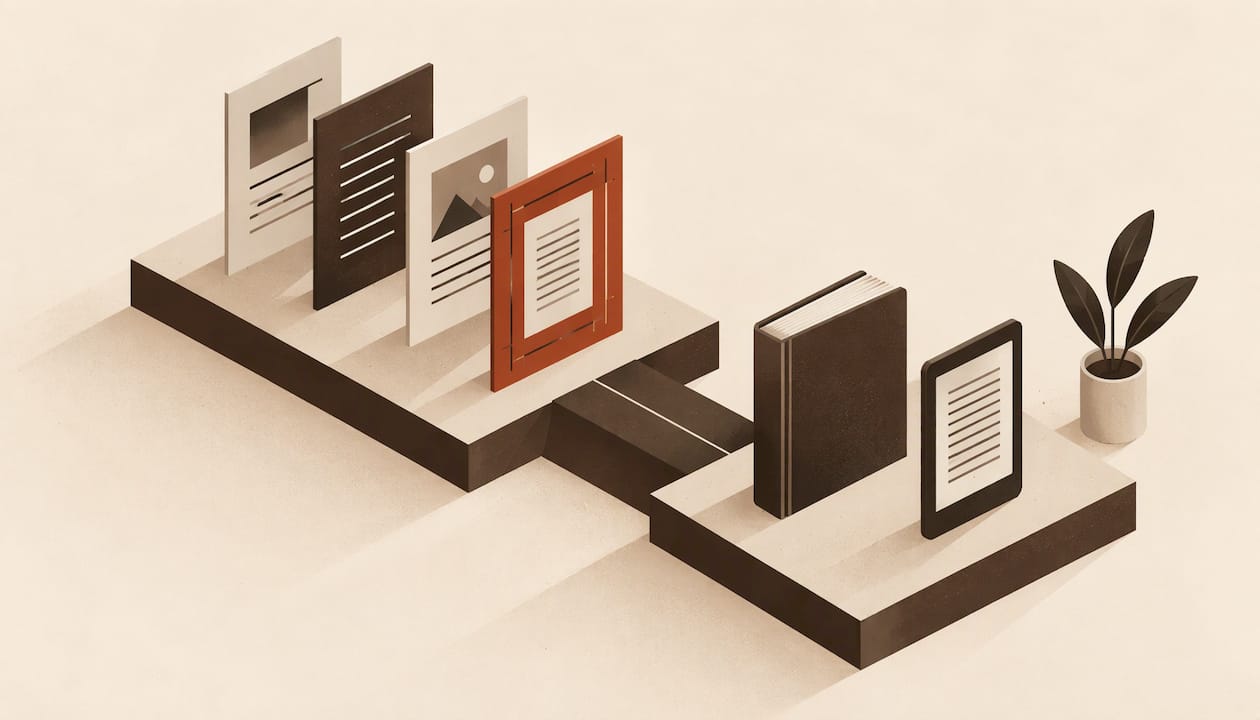
The best IngramSpark formatting software is the one that exports a PDF/X print interior with embedded fonts and a clean EPUB 3 for ebooks, on the computer you already own. Alhora, Vellum, Atticus and Reedsy Studio all meet that bar. They differ on operating system, price, previews and how well they handle series and client work. Below you get IngramSpark's actual file rules first, then a side-by-side comparison, then a way to choose.
Key Takeaways
- IngramSpark wants print interiors as single-page PDF/X-1a:2001 or PDF/X-3:2002 with all fonts embedded, and ebooks as EPUB 3.0 plus a cover JPEG.
- Alhora costs £99 one-time, runs on Mac, Windows and Linux, and exports print-ready PDFs and EPUBs for IngramSpark, KDP, Draft2Digital, Apple Books, Kobo and Google Play.
- Vellum is Mac-only and Atticus is a one-time $147 purchase. Reedsy Studio's core formatting is free in a browser.
- Kindle Create is free, but KDP's own chart lists publishing outside Kindle as unsupported, so it is not an IngramSpark tool.
- Pick by workflow: single book, long series, client projects or a publisher with repeat titles each point to different tools.
Table of Contents
- What IngramSpark Requires From Your Files
- IngramSpark Formatting Software Compared
- Alhora: Built for the Whole Path to IngramSpark
- Vellum: Polished, Mac Only
- Atticus: One Price, Any Device
- Reedsy Studio: Free to Start
- Kindle Create: Not an IngramSpark Tool
- IngramSpark's Own Book-Building Tool
- InDesign and Word
- Which Tool Fits Your Situation
- How to Check Your Files Before You Upload
- Our Perspective
- Try Alhora for Your IngramSpark Files
- FAQ
- Sources
What IngramSpark Requires From Your Files
Before you compare tools, know what the printer will accept. IngramSpark's File Creation Guide says print interiors must be single-page PDF/X-1a:2001 or PDF/X-3:2002 files with all fonts embedded. No spreads, no crop marks, no registration marks.
The same guide gives these practical points:
- Add 0.125-inch bleed on the top, bottom and outside edges when content runs to the edge.
- A 0.5-inch margin is recommended.
- Color images must be CMYK.
- Any revision means resubmitting the entire file.
For ebooks, The Publishing Map's summary of the guide says IngramSpark wants an interior EPUB 3.0 plus a front-cover JPEG at least 1873 pixels on the longest side and 1600 on the shortest, at 350 dpi in RGB.
That gives you four tests for any tool:
- Does it export PDF/X, not just a plain PDF?
- Does it embed fonts?
- Does it let you set trim, bleed and gutter correctly for your page count?
- Does it export EPUB 3 that validates?
For a deeper spec walkthrough, see our guide to exact IngramSpark PDF specs and our 8 checks for IngramSpark print formatting.
IngramSpark Formatting Software Compared
Prices below are as published in 2026. Always confirm on each vendor's page before buying.
| Tool | Price | Where it runs | Print export | Ebook export |
|---|---|---|---|---|
| Alhora | £99 one-time | Mac, Windows, Linux | Print-ready PDF | EPUB (audit-gated accessible export) |
| Vellum | $199.99 ebooks, $249.99 ebooks and paperbacks | macOS 13 or newer | PDF/X-1a | Validated EPUB 3 and EPUB 2 |
| Atticus | $147 one-time | Mac, Windows, Chromebook, Linux, browser | Print-ready PDF | EPUB |
| Reedsy Studio | Core writing and formatting free | Browser | PDF/X-1a:2001 | EPUB 3 |
| Kindle Create | Free | Windows 10 or later, macOS 10.15 or later | Not for IngramSpark | KPF and EPUB |
| IngramSpark Book-Building Tool | Free | Browser | Files built to IngramSpark specs | Files built to IngramSpark specs |
| InDesign | Subscription | Mac, Windows | Full manual control | Possible, more setup |
Vellum and Reedsy Studio details come from The Publishing Map's software comparison, checked 14 October 2026. Atticus's platform list comes from SelfPublishing.com's roundup.
Alhora: Built for the Whole Path to IngramSpark
Alhora is book-formatting and typesetting software for indie authors. You import a manuscript from Word, Google Docs, Scrivener or another source, apply a style, check the layout and export print-ready PDFs and EPUBs. Our one-time license is £99.
What matters for IngramSpark:
- Automatic typography. Justification, hyphenation, widow and orphan control, drop caps and custom fonts are handled by the engine.
- Trim, bleed and gutter checks. These are the settings that most often cause print files to bounce, so we check them before export.
- A proof simulator. You see the printed page before you upload, so you can read it as a reader would.
- Formatting kept apart from your text. Style choices live separately from the narrative, so changing a trim size or a chapter-opening style does not touch your words.
- Metadata and ISBN management and version control, so the file you send to IngramSpark is the one you can trace later.
- Targets for several stores. Output is aimed at KDP, IngramSpark, Draft2Digital, Apple Books, Kobo and Google Play.
The AI-assisted proofreading engine is an optional paid add-on. It flags issues and never writes or changes your content.
Pick your platform page: Mac, Windows or Linux. To see how it sits against the Mac-only market leader, read our guide to Vellum alternatives for Windows, Linux and the web.
Vellum: Polished, Mac Only
Vellum is the benchmark many indie authors measure others against. Per The Publishing Map, it costs $199.99 for Vellum Ebooks or $249.99 for Vellum Press, which adds paperbacks. It requires macOS 13 or newer, exports PDF/X-1a for print with 24 trim sizes plus large print, and exports validated EPUB 3 for ebooks. You can download it and build and preview a book before you buy.
If you work on a Mac and want a template-driven look, it fits IngramSpark's PDF/X requirement directly. If you work on Windows or Linux, it is not an option, and you need a cross-platform tool.

Atticus: One Price, Any Device
Atticus costs $147 one-time and, per SelfPublishing.com, runs on Mac, Windows, Chromebook, Linux and in a browser. It exports EPUB and print-ready PDF for KDP and IngramSpark, and offers a real-time preview. It is a reasonable pick for authors who write and format in the same place and switch devices.
Reedsy Studio: Free to Start
Reedsy Studio's core writing and formatting are free, per The Publishing Map. Its homepage names Studio Essential at $4.99 a month and Outlining at $7.99 a month, with a 30-day trial and no credit card required. It runs in a browser, exports EPUB 3 and PDF/X-1a:2001, and has no live device preview. For a first book on a tight budget, it is a sensible way to start.

Kindle Create: Not an IngramSpark Tool
Kindle Create is free and runs on Windows 10 or later and macOS 10.15 or later. According to Amazon's KDP help page, it exports KPF and EPUB for reflowable books and does not support editing tables, lists or footnotes in reflowable books. KDP's chart, as summarized by The Publishing Map, lists publishing outside Kindle as unsupported. If IngramSpark is part of your plan, use a tool built for wide distribution. Our list of Kindle Create alternatives covers the options.
IngramSpark's Own Book-Building Tool
IngramSpark offers a free Book-Building Tool. You upload a Word document or type into the tool, choose a predesigned interior template and export files formatted to meet IngramSpark's requirements for both print and ebooks. It is the shortest route for a simple text-only book and a good baseline to compare other tools against.
InDesign and Word
InDesign appears in IngramSpark's own guide export steps, which makes it the manual-control option. You set every parameter yourself, so you also own every error. Word can produce a print PDF, but you must still get PDF/X, embedded fonts and bleed right, which is where many first-time files fail.
Which Tool Fits Your Situation
| If you are... | Look for | Good fits |
|---|---|---|
| Writing your first book on a budget | Free or low cost, simple templates | Reedsy Studio, IngramSpark Book-Building Tool, Alhora |
| A Mac user wanting a template-led look | PDF/X-1a, many trim sizes | Vellum, Alhora |
| On Windows or Linux | Cross-platform desktop or browser | Alhora, Atticus |
| Publishing a series | Batch formatting, consistent styles | Alhora |
| A freelancer formatting for clients | One-time cost, repeatable styles, client-ready exports | Alhora, InDesign |
| A small publisher | Team plans, metadata and ISBN tracking | Alhora publisher plans |
Novelists formatting a series
A series means one set of design decisions applied across many books, with small changes: a new title, a different page count, a new trim for the omnibus. Alhora's batch series formatting keeps the style definition separate from each manuscript, so the whole series stays consistent when you adjust one setting. Our ebook formatting guide shows how that style-first approach works for the ebook side.
Freelancers handling client projects
Client work rewards repeatable styles, fast imports and exports you can hand over with confidence. Alhora imports from Word, Google Docs and Scrivener, which covers what most clients send. Trim, bleed and gutter checks run before export, and the proof simulator lets you show a client the printed page.
Publishers with repeat workflows
Small and mid-sized houses need the same output across many titles and several people. Alhora offers team-based publisher plans, version control and metadata and ISBN management, so every title moves through the same process.
How to Check Your Files Before You Upload
Both KDP and IngramSpark reject files for small, checkable reasons. Chris A. Baird suggests planning a day or two for a first book, more if it has images, tables or footnotes, then reading the previewer output page by page and fixing what moved.
Use this routine:
- Confirm the format. Print is PDF/X-1a:2001 or PDF/X-3:2002, single pages, no crop marks.
- Confirm fonts. Every font embedded.
- Confirm trim and bleed. Add 0.125-inch bleed on the top, bottom and outside edges if art touches the edge.
- Confirm margins. Keep to the recommended 0.5 inches at minimum, and widen the gutter for thicker books.
- Confirm images. Color images in CMYK for print.
- Confirm the ebook. EPUB 3.0 plus a cover JPEG at least 1873 by 1600 pixels, 350 dpi, RGB.
- Read the proof. Page by page, in the simulator or in IngramSpark's previewer.
Because a revision means resubmitting the whole file, every error you catch here saves a round trip. For a longer version, see our IngramSpark vs KDP comparison and the broader best self-publishing platforms guide.
Our Perspective
Most formatting tools stop when the file is exported. We built Alhora on the view that formatting is one step on the way from a finished manuscript to readers, and that the author should keep control of every choice along the way.
That is why your formatting choices live apart from your narrative content. You can change a trim size, a font or a chapter opening without touching a word you wrote. It is also why the AI in Alhora checks and flags but never writes.
For IngramSpark, the details are what matter: PDF/X output, embedded fonts, bleed, gutter and a proof you can read before you upload. We designed the typesetting engine to be of Vellum's class on every desktop operating system, so the tool does not depend on the computer you happen to own.
James
Try Alhora for Your IngramSpark Files
If you want one tool that handles import, typesetting, preflight checks and export to IngramSpark and other stores, Alhora is a £99 one-time license, with an optional paid AI add-on for editorial checks. Start from our guide to choosing book formatting software, or go straight to alhora.app.
Import your manuscript, pick a style, run the trim, bleed and gutter checks and export a print-ready PDF and an EPUB in one session.
FAQ
Do I need special software to format a book for IngramSpark?
Not strictly, but your files must meet IngramSpark's specs, which a plain Word export often does not. Software that exports PDF/X with embedded fonts and valid EPUB 3 removes most of the risk. IngramSpark's free Book-Building Tool is one option, and dedicated formatting software gives you more design control.
Can I use Kindle Create for IngramSpark?
Kindle Create exports KPF and EPUB, and KDP's chart lists publishing outside Kindle as unsupported. For IngramSpark's print PDF/X requirement you need a different tool. Choose one that exports PDF/X and an EPUB 3 you can validate.
What file format does IngramSpark want for print?
IngramSpark requires single-page PDF/X-1a:2001 or PDF/X-3:2002 with all fonts embedded. Spreads, crop marks and registration marks are excluded. Add 0.125-inch bleed on the top, bottom and outside edges when needed.
Is there free formatting software that works for IngramSpark?
Yes. IngramSpark's own Book-Building Tool is free, and Reedsy Studio's core formatting is free and exports EPUB 3 and PDF/X-1a:2001. Paid tools add more layout control, previews and series features.
Which software is best for formatting a series?
Choose a tool that keeps one style definition across every book and formats them in batches. Alhora's batch series formatting is designed for that, so a change to the style carries through the series without touching your text.
Sources
- Book formatting software options, The Publishing Map
- IngramSpark File Creation Guide
- IngramSpark Book-Building Tool
- Getting Started with Kindle Create, Amazon KDP
- Best Book Formatting Software: 11 Options, SelfPublishing.com
- How to Format a Book for KDP and IngramSpark in 2026