
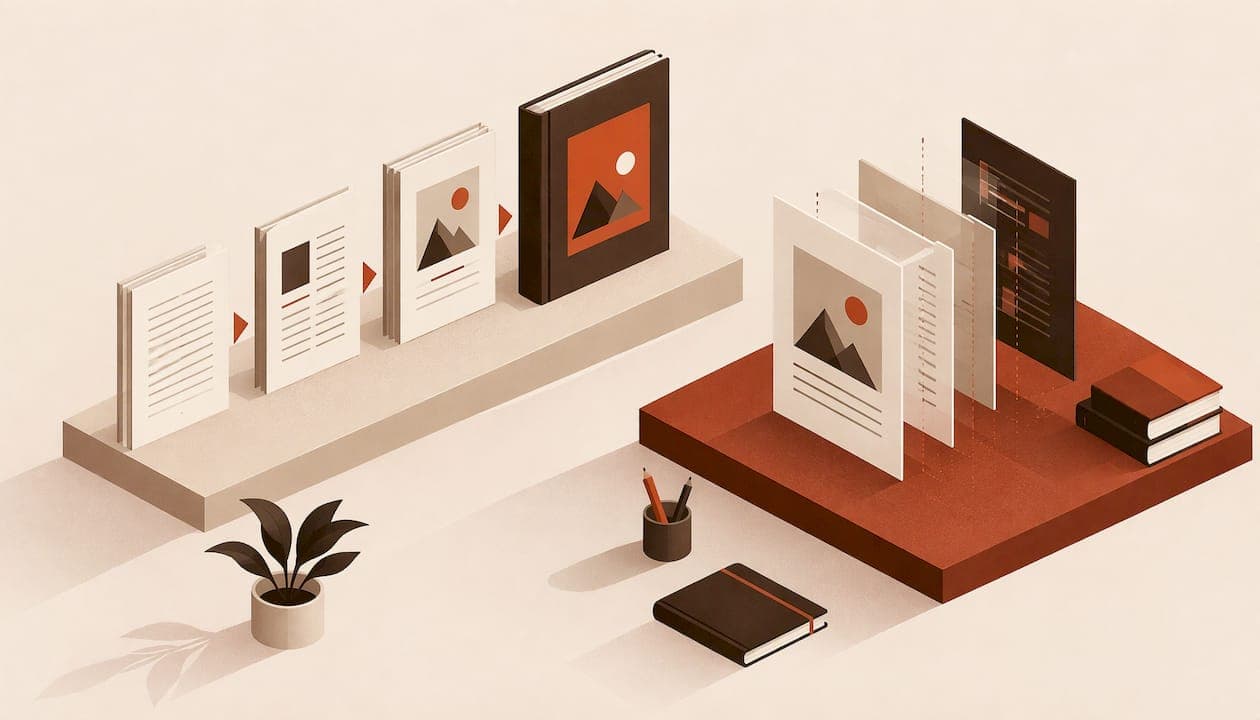
The best EPUB editor for most authors is one that turns a finished manuscript into a clean, store-ready EPUB without making you hand-edit code. If you want that plus print-ready PDFs, batch series formatting and built-in checks, Alhora is the tool we recommend. If you want to work directly in the file's structure, Calibre and Sigil are the technical route. If you want a free browser tool, Reedsy Studio is a common starting point.
This guide compares six options by what authors actually need: importing a manuscript, styling it, previewing it, validating it and exporting it for the stores.
Key Takeaways
- Pick by job. Formatting a manuscript into a book is different from repairing the code inside an existing EPUB file.
- Reedsy Studio is a free, browser-based tool with EPUB 3 and print-ready PDF export. Calibre is a free, open-source conversion and management tool with an editor for direct file work.
- InDesign is powerful but costly and hard to learn, which rarely pays off unless you are starting a press.
- Alhora costs £99 one-off, runs on Mac, Windows and Linux, and exports both EPUBs and print PDFs from one project.
- Whatever you choose, validate the EPUB and preview it on a reading device before uploading to a store.
Table of Contents
- Formatting tool or file editor: decide this first
- What to compare
- The six options at a glance
- 1. Alhora: formatting and checks in one project
- 2. Reedsy Studio: a free browser option
- 3. Calibre: conversion and library management
- 4. Sigil: hand-editing the EPUB
- 5. Adobe InDesign: maximum control, maximum effort
- 6. Scrivener: draft first, compile second
- Which tool fits which author
- Our perspective on EPUB editing
- Check your EPUB before you upload
- Try Alhora for your next book
- FAQ
- Sources
Formatting tool or file editor: decide this first
The phrase "EPUB editor" covers two different jobs, and choosing the wrong kind of tool is the most common mistake.
Formatting software starts from your manuscript. You import it, choose a style, set chapter openers, front and back matter, and export. You never touch the underlying HTML and CSS. This is what most novelists and nonfiction authors need.
File editors open an existing EPUB and let you change its internals: the HTML, the stylesheet, the manifest, the navigation file. They suit people who are comfortable with markup, or who must fix a file someone else produced.
If you have a Word or Google Docs manuscript and want a book, start with formatting software. If you have a broken EPUB that a store rejected, a file editor or a validator is the right first stop. Our walkthrough on how to format an ebook for self-publishing covers the manuscript-to-book path step by step.

What to compare
Use these criteria to judge any option:
- Import. Does it accept your manuscript format cleanly, with chapter headings recognized?
- Styling control. Fonts, drop caps, scene breaks, chapter openers, heading styles.
- Preview. Can you see the result as a reader would, on an e-reader and in print?
- Validation. Does it check the EPUB against the standard before you upload?
- Export range. EPUB 3, print-ready PDF, and the store-specific requirements you need.
- Series and batch work. Can you apply one style to book one through book six?
- Cost model. Free, subscription, or one-off.
- Platform. Mac, Windows, Linux, browser.
The six options at a glance
| Tool | Best for | Type | EPUB export | Print PDF | Cost model |
|---|---|---|---|---|---|
| Alhora | Authors who want a finished, store-ready book and series workflow | Desktop and cloud formatting software | Yes | Yes | £99 one-off lifetime option |
| Reedsy Studio | Authors who want a free browser tool | Browser-based formatter | Yes, EPUB 3 | Yes | Free |
| Calibre | Technical users converting and fixing files | Open-source desktop app | Yes | Conversion-based | Free |
| Sigil | Hand-editing EPUB code | Open-source EPUB file editor | Edits EPUB directly | No | Free |
| Adobe InDesign | Press-level custom layouts | Professional layout software | Yes | Yes | Subscription |
| Scrivener | Drafting, with compile-to-EPUB | Writing app | Yes, via compile | Yes, via compile | Paid license |
Prices for tools other than Alhora change often, so check each vendor's own page before you buy.
1. Alhora: formatting and checks in one project
Alhora is book-formatting and typesetting software for authors, available on the desktop and in the cloud. You import your manuscript, choose and customize styles and layouts, and export a print-ready PDF or an EPUB from the same project. Our aim is that your formatting choices stay separate from the story text, so changing a design never touches your words.
What that looks like in practice:
- Typography handled automatically. Justification, hyphenation, widow and orphan control, drop caps and custom fonts.
- Print checks. Trim, bleed and gutter checks plus a proof simulator, so you see the printed page before ordering a proof.
- Preview tools. Visualize the final book before you publish.
- Store targets. Export for KDP, IngramSpark, Draft2Digital, Apple Books, Kobo and Google Play.
- Accessible EPUB export that is gated by an audit.
- Series work. Batch formatting for a whole series, plus metadata, ISBN management and version control.
- AI-assisted proofreading. An optional paid add-on flags issues. It never writes or alters your creative content.
Alhora is a one-off £99 for the product line, and a subscription option exists for monthly or annual use. It runs on Mac, Windows and Linux, which matters if your preferred tool has been tied to one operating system.
It is the strongest pick for novelists with a series, freelancers delivering client-ready ebooks, and small publishers who want one workflow from manuscript to store files. For a store-by-store view, see our page on ebook formatting software for every store.
2. Reedsy Studio: a free browser option
Reedsy Studio is a free, browser-based formatting tool for independent authors, with EPUB 3 and print-ready PDF export. Because it runs in the browser, there is nothing to install, which suits authors who write across several machines.
It fits a first book where you want a tidy result without spending anything. As your projects grow into series with distinct designs per book, store-specific validation needs, or client work, many authors move to dedicated desktop software with deeper layout control and batch features.
3. Calibre: conversion and library management
Calibre is a free, open-source ebook conversion and management tool, and it includes an editor for direct file and structure work suited to technical users. Its core strength is converting between ebook formats and managing a library of them.
Use Calibre when you need to convert a file, inspect its contents or tweak the structure. It is a utility rather than a book designer: you do not get a guided path from manuscript to a styled novel with chapter openers and print layout. Authors who want a designed result usually pair a formatter with a conversion tool like this only for edge cases.

4. Sigil: hand-editing the EPUB
Sigil is an open-source editor built for working on EPUB files directly. You see the book's HTML, CSS and structure, and you edit them by hand. That makes it a good fit for correcting a specific error, such as a bad navigation entry, an image reference or a stray style rule, in a file that is almost right.
The tradeoff is that you are responsible for the markup. If you do not know HTML and CSS, the time you spend learning is time not spent writing. Sigil also edits EPUBs only, so print PDFs need another tool.
5. Adobe InDesign: maximum control, maximum effort
InDesign is a professional layout application. One comparison of book formatting tools concludes that it may be the most powerful, but also the most expensive over time and the hardest to use, and that the extra customizability is probably not worth it unless you plan to start an independent press.
If you do need full custom layouts, such as illustrated or heavily designed books, InDesign remains the industry standard. For a typical novel or nonfiction title, though, a purpose-built formatter reaches a professional finish much faster. We compare the full field in InDesign alternatives for authors.
6. Scrivener: draft first, compile second
Scrivener is a writing environment designed for long manuscripts, and it can compile to EPUB and print formats. Many authors draft in Scrivener and then bring the manuscript into a formatting tool for the final typeset. That split keeps drafting flexible and gives you a controlled design stage. If your compile settings feel like a maze, moving the finished text into dedicated formatting software is a common fix.
Which tool fits which author
| If you are... | Start with |
|---|---|
| A first-time author who wants a free browser tool | Reedsy Studio |
| A novelist with a multi-book series | Alhora |
| A freelancer delivering client-ready ebooks | Alhora |
| Someone fixing one bad EPUB file | Sigil or Calibre |
| Building illustrated or fully custom layouts | InDesign |
| A small publisher needing a shared manuscript workflow | Alhora publisher plans |
Our perspective on EPUB editing
Most authors do not need to edit an EPUB. They need a book that passes the stores' checks and looks right on every device, and they need to reach that point without opening a code editor.
That is why we built Alhora around formatting that stays separate from your narrative text. You choose the design, we apply it, and the manuscript itself is never rewritten. The same principle covers our AI proofreading: it flags issues and leaves the writing to you.
Our aim is a typesetting engine of the class authors associate with Vellum, available on every desktop operating system, with print checks, a proof simulator and series batch formatting beside it. A tool should take you from a finished manuscript to readers, not stop halfway at an export button.
James
Check your EPUB before you upload
Whichever tool you pick, run the same last steps:
- Validate. Run the file through EPUBCheck or your tool's built-in validation. Our guide to converting Markdown to EPUB with EPUBCheck shows how to read the results.
- Choose the right version. Understand how EPUB 3 and EPUB 2 differ so a store does not reject the file.
- Preview on a device. Check chapter breaks, images and the table of contents on an actual e-reader app.
- Test store-specific rules. Each retailer has its own requirements. We cover Kobo EPUB formatting and Google Play Books EPUB preparation.
- Check accessibility. Navigation, reading order and image descriptions should be in place before release.
Try Alhora for your next book
If you want one project that handles import, styling, preview, validation and export for both EPUB and print, Alhora is built for that. The product line is £99 one-off, and you can choose a monthly or annual subscription instead. Read more about the book formatting software we offer and how to choose between tools.
The publisher plans add team seats for organizations that format many titles, and the optional AI add-on covers editorial checks for those who want them. See everything at alhora.app.
FAQ
What is the best free EPUB editor for authors?
For formatting a manuscript, Reedsy Studio is a free, browser-based option with EPUB 3 and print PDF export. For editing the internals of an existing file, Calibre and Sigil are free and open source. Pick based on whether you are building a book or repairing a file.
Do I need an EPUB editor to publish on Kindle or Kobo?
Not necessarily. Most authors use formatting software that exports a valid EPUB directly, then upload it to the store. An editor becomes useful when a validation report points to a specific structural error you need to fix.
Is InDesign worth it for a novel?
For most novels, no. It is powerful, but it is expensive over time and difficult to learn, and the extra control rarely matters for a text-driven book. A dedicated formatter reaches a professional result faster.
Can one tool make both the EPUB and the print PDF?
Yes. Alhora exports print-ready PDFs and EPUBs from the same project, with trim, bleed and gutter checks for print. Keeping both outputs in one project means a style change carries to both.
Sources
- 9 Best Ebook Creation Software Compared: EPUB vs PDF
- The Best Book Formatting Software: 7 Tools Compared