
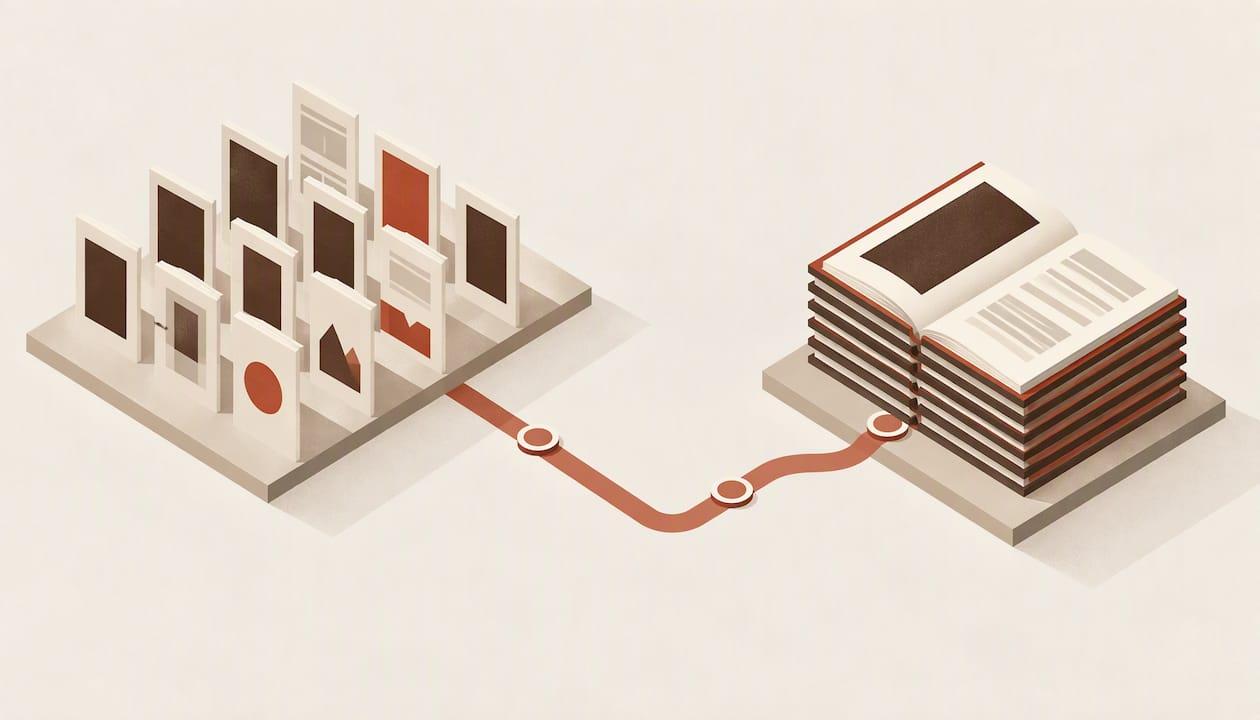
The best InDesign alternative depends on what you are making. If you are an author who wants a typeset novel and a clean EPUB, a book-specific tool such as Alhora, Vellum or Atticus will get you there faster than a general layout program. If you want full page-layout control for something visual, such as a cookbook or a photo book, Affinity Publisher or QuarkXPress is closer to InDesign. Below, we compare eight options on price, platforms, import, series work, previews and export.
Key Takeaways
- For fiction and standard nonfiction, a book-specific formatter beats a general layout tool on speed, and it automates the typography decisions InDesign leaves to you.
- Prices range from free (Reedsy Studio, Pages, Kindle Create) to one-time purchases ($59.99 to $249.99) to InDesign's subscription.
- Vellum is Mac only. If you work on Windows, Linux or a Chromebook, shortlist Alhora, Atticus or Affinity.
- Whatever you pick, check the exported PDF and EPUB yourself before upload. No tool replaces a final read of the actual files.
Table of Contents
- Why authors look for an InDesign alternative
- The options at a glance
- Alhora: book formatting and preflight on any desktop
- Vellum: the benchmark, with one catch
- Atticus: write and format in one browser tab
- Affinity Publisher: closest to InDesign's page canvas
- Scrivener: a drafting tool with a compile step
- Reedsy Studio, Pages and Kindle Create: the free tier
- How to choose: four questions
- Is Canva an InDesign alternative?
- Our perspective
- Check the files before you upload
- Try Alhora for your next book
- FAQ
- Sources
Why authors look for an InDesign alternative
InDesign is built for complex multi-page publications. It offers master pages, linked assets, paragraph and character styles, precise typography, print-production settings, interactive PDFs and EPUB output, according to university IT documentation. That power is useful for a magazine. For a 90,000-word novel it mostly means you build by hand what a book tool does automatically: running heads, chapter openers, scene breaks, widows and orphans, front and back matter.
The cost is the other reason. A 2024 comparison from The Book Designer lists InDesign from $23 a month, which is a recurring cost for something many authors use once or twice a year. Check Adobe's current pricing page before you decide, because plans change.
The same comparison suggests four questions before you choose: what your book needs, your budget, how long you can spend learning the software, and whether you will format more than one book. We use those four as our criteria below.
The options at a glance
| Tool | Platforms | Pricing model | Best for |
|---|---|---|---|
| Alhora | Desktop (Mac, Windows, Linux) and cloud | £99 one-off | Authors and series who want print and EPUB plus preflight checks |
| Vellum | macOS only | $199.99 (ebook) or $249.99 (print and ebook), one-time | Mac authors who want the polished classic |
| Atticus | Browser-based | $147 one-time | Writing and formatting in one place |
| Affinity Publisher | Mac and Windows | $69.99 one-time as of July 2024; since reported free | Designers and illustrated books |
| Scrivener | Mac and Windows | $59.99 one-time | Drafting, with compile for simple output |
| Reedsy Studio | Web | Free | Standard novels on a zero budget |
| Pages | Apple devices | Free | Simple ebooks and short print runs |
| Kindle Create | Desktop | Free | Kindle-only ebooks |
Prices for third-party tools come from The Book Designer's 2024 comparison unless stated. Confirm each on the vendor's page, since they change.
Alhora: book formatting and preflight on any desktop
Alhora is a book-formatting and typesetting tool for authors, available on desktop and in the cloud. You import a manuscript, choose styles and layout, and export print-ready PDFs and EPUBs for KDP, IngramSpark, Draft2Digital, Apple Books, Kobo and Google Play.
What it does for the criteria above:
- Typography: automatic justification, hyphenation, widow and orphan control, drop caps and custom fonts.
- Print checks: trim, bleed and gutter checks and a proof simulator, so you see problems before a printer does.
- Series work: batch formatting, so book two matches book one without rebuilding the layout.
- Publishing admin: metadata and ISBN management, plus version control.
- Accessibility: an audit-gated accessible EPUB export.
- Proofreading: an optional AI-assisted engine that flags issues. It never writes or changes your text.
Your formatting choices stay separate from your narrative content, so changing a trim size or font does not touch the words. Import works from Word, Google Docs and Scrivener; see how to import a Word document or bring in a Scrivener project.
Pricing is £99 one-off for the product line. Platform-specific pages cover Mac, Windows and Linux.
Vellum: the benchmark, with one catch
Vellum is a popular formatting tool among indie authors, and its output sets the standard other tools are measured against. It is sold as a one-time purchase: $199.99 for ebook features or $249.99 for print and ebook.
The catch is the platform. Vellum runs on macOS only, so Windows, Linux and Chromebook authors, and any freelancer with a Windows client, are out. If that is you, our guides to Vellum alternatives for Windows, Linux and the web and the Vellum alternatives comparison lay out the options in more detail.
Atticus: write and format in one browser tab
Atticus combines a writing environment with formatting, and The Book Designer lists it at $147 one-time. Because it is browser-based, it works across operating systems. It suits authors who want a single place for drafting and output and who do not mind that the layout is controlled through templates rather than a page canvas.
Affinity Publisher: closest to InDesign's page canvas
Affinity Publisher is the nearest in spirit to InDesign: you place text frames, set styles and control every page. As of July 2024 it cost a one-time $69.99 for Mac and Windows. Since then, reports say Affinity moved to a free model under Canva, so check the official Affinity site for current terms.
It is strong for illustrated or heavily designed books. For a novel, you will set up styles, running heads and front matter yourself, and EPUB output is not its focus. Expect a learning curve similar to InDesign's, only without the monthly bill.

Scrivener: a drafting tool with a compile step
Scrivener is a manuscript organizer first. It costs $59.99 one-time, and its compile feature produces basic ebooks and print-ready files. For a simple layout it is enough. For a polished interior with refined typography, most authors export from Scrivener and finish elsewhere, which is why importers exist for it.
Reedsy Studio, Pages and Kindle Create: the free tier
Reedsy Studio is a free web-based writing and formatting tool with preset themes and export to EPUB and print-ready PDF. For standard formatting needs it can produce a professional-grade book, though complex customization may call for a pricier tool.

Pages is free on Apple devices and handles simple documents. Kindle Create is free and aimed at Kindle ebooks. Both are listed as free in The Book Designer's comparison. The trade-off is reach: Kindle Create targets Amazon, so you will need another route for Kobo, Apple Books or a wide print release.
How to choose: four questions
- What does the book need? A novel with chapter openers and scene breaks needs a book tool. A photo book or cookbook needs a page canvas.
- What is your budget? Free tools cover plain interiors. One-time licenses cost less than a year or two of InDesign.
- How much time can you spend learning? Automating layout choices saves hours. Per Indie Author Magazine, InDesign and Affinity offer flexibility and control, while purpose-built tools automate common layout choices.
- Will you format more than one book? Series work rewards a tool where one style set applies to every volume.
If you are a freelancer formatting for clients, add a fifth question: does the tool run on your operating system, and can it export both print and EPUB without a second program?
Is Canva an InDesign alternative?
For a flyer or a short guide, yes. Canva is a template and drag-and-drop tool, but it is less suited to high-end print publications or complex multi-page documents with heavy typography demands. A full-length book needs paragraph styles, controlled hyphenation and print-production settings, which is where a dedicated book tool earns its place.
Our perspective
Most InDesign alternatives solve one half of the job. Some format, some draft, and few care what happens after the files are exported. We built Alhora around the idea that a finished manuscript should get all the way to readers without leaving your own machine.
That starts with a typesetting engine in the class of Vellum's, available on every desktop operating system, not just one. It continues with checks that run before you upload: trim, bleed and gutter, accessibility audits for EPUB, and a proof simulator that shows you the page the way a printer will produce it.
We also hold a firm line on AI. In Alhora, AI checks and operates, and it can never write a word. Your formatting choices stay separate from your narrative, so your text is never altered by a layout decision. That is how we think authors keep full artistic control.
Pick the tool that matches your book. If that book is a novel or a series and you want a professional finish without a monthly bill, we think Alhora is the strongest choice.
James
Check the files before you upload
Whichever tool you use, a successful export only proves a file was made. Preflight tooling in the wider typesetting world makes the same point: Oleafly's documentation lists checks for missing glyphs, clipped text, mixed page sizes and embedded fonts, and still recommends a final human review of the exported PDF and validation at the destination.
In practice, do this before every upload:
- Open the PDF and page through it, not just the first chapter.
- Confirm fonts are embedded and trim size matches your printer's template.
- Validate the EPUB and view it in a reader app.
- Re-check after every late text change.
Our PDF preflight checklist, print on demand formatting guide and Kobo EPUB guide walk through each step.
Try Alhora for your next book
If you want print and EPUB from one manuscript, on Mac, Windows or Linux, Alhora is £99 one-off. Import your manuscript, pick a style, run the checks and export.
Start with Alhora's book formatting software overview, or read our KDP book formatting setup and ebook formatting software page if you already know where you will publish.
FAQ
What is the best free alternative to InDesign for authors?
Reedsy Studio is a strong free option. It is web-based, includes preset themes and exports EPUB and print-ready PDF, which covers standard novels. Pages and Kindle Create are also free, but they are narrower in scope.
Is there a one-time purchase alternative to InDesign?
Yes. Vellum, Atticus, Scrivener and Affinity have all been sold as one-time purchases, and Alhora is £99 one-off. Check each vendor's page for current terms before buying.
Can I format a book series without InDesign?
Yes. Look for a tool where one set of styles applies to every volume. Alhora offers batch series formatting, so later books match the first without rebuilding the layout.
Why is InDesign not the default choice for novels?
InDesign is a general page-layout program, so you set up typography, running heads and front matter yourself. A book-specific tool automates those decisions, which saves time on text-driven books.
Sources
- The Best InDesign Alternative: 7 Nonsubscription Options, The Book Designer
- The Best Book Formatting Software: 7 Tools Compared, LitReactor
- Desktop Publishing Applications, Ithaca College IT
- Best Book Formatting Tools for Indie Authors, Indie Author Magazine
- Affinity vs Adobe in 2026, LowerMySubs
- Preflight checks, Oleafly