
The best Chromebook book formatting setup depends on one question: do you need a browser-only tool, or can your Chromebook run a Linux environment? Browser tools such as Reedsy Studio and Draft2Digital are the easiest start. Atticus is a paid option that works in the browser. Alhora is the choice when you want a full typesetting engine, preflight checks and a path from manuscript to store files, for a single £99 payment. This guide compares each option on cost, export quality, offline use and series support, so you can pick before you spend a weekend on the wrong tool.
Key Takeaways
- Chromebooks run ChromeOS, so the safest formatting tools are the ones that work in a browser. Desktop programs built for Windows and Mac usually will not install.
- Free options exist (Reedsy Studio, Draft2Digital, LibreOffice), but each has a trade-off: no offline use, a commission on sales, or hands-on layout work.
- Atticus is listed at $147 one-time. Alhora is £99 one-off, with typography controls, trim, bleed and gutter checks and a proof simulator.
- Whatever you choose, validate the EPUB and check the print PDF before you upload to KDP, IngramSpark or any other store.
Table of Contents
- How Chromebooks change the formatting question
- The options at a glance
- Alhora: the full typesetting route
- Atticus: the paid browser option
- Reedsy Studio: free, but online only
- Draft2Digital: free formatting, tied to distribution
- Kindle Create: free, but not for ChromeOS
- LibreOffice Writer: free and manual
- What to check before you choose
- A practical Chromebook workflow
- Our perspective
- Try Alhora for your next book
- FAQ
- Sources
How Chromebooks change the formatting question
A Chromebook is built around the browser. That is a strength for writing and a constraint for typesetting. Most traditional book formatting programs ship as Windows or Mac installers, and a Chromebook cannot run those directly. One 2026 roundup of writing apps makes the same point: Chromebook users are best served by web-based applications that avoid the setup work of a Linux container.
So your choices fall into three groups:
- Browser-based tools that run in Chrome with no install.
- Linux-based desktop tools, which need the Linux development environment turned on in ChromeOS settings and a little patience.
- Document workflows, where you format in a word processor and export, then check the result yourself.
Before you commit, check four things: whether the tool works offline, whether it exports both EPUB and print PDF, whether it can handle a series without repeating work, and what happens if you stop paying or leave the platform.
The options at a glance
| Tool | Works on Chromebook | Cost | EPUB and print PDF | Main limit to check |
|---|---|---|---|---|
| Alhora | Cloud workflow, plus Linux build for Linux-capable setups | £99 one-off | Both, with trim, bleed and gutter checks | Plan your setup first (see below) |
| Atticus | Browser | $147 one-time | Both | Paid upfront |
| Reedsy Studio | Browser | Core features free | Both | No offline use |
| Draft2Digital | Browser | Free, 10% commission | Both | Tied to their distribution |
| Kindle Create | Not on ChromeOS | Free | Kindle-focused | PC and Mac only |
| LibreOffice Writer | Linux environment | Free | PDF and EPUB export | You do all layout by hand |
The prices come from a 2026 comparison of formatting services, which lists Atticus at $147 one-time, Kindle Create as free, Reedsy Studio's core features as free and Draft2Digital as free with a 10% commission. Prices change, so confirm each one on the provider's own page before you buy.
Alhora: the full typesetting route
Alhora is book formatting and typesetting software for indie authors. You import a manuscript, set your styles and layout, preview the book, and export a print-ready PDF or an EPUB. It is built to keep your formatting choices separate from your narrative text, so changing a trim size or a font never touches your words.
What that looks like in practice:
- Typography that runs automatically. Justification, hyphenation, widow and orphan control, drop caps and custom fonts.
- Print checks. Trim, bleed and gutter checks, plus a proof simulator that shows how pages will look before you order a copy.
- Import from where you write. You can bring in a Word document, a Google Docs file or a Scrivener project. Google Docs is the usual starting point on a Chromebook.
- Accessible EPUB export that is audit-gated, so the file is checked before it leaves the program.
- Series work. Batch formatting lets you apply one design to every book in a series.
- Metadata and ISBN management and version control, so a revised edition does not overwrite the first.
- AI-assisted proofreading that flags issues and never writes or changes your text. It is an optional paid add-on.
On cost, Alhora is a single £99 one-off payment, with no subscription needed for that product line.
On a Chromebook, the practical question is setup. Alhora has a Linux version, and we have written a separate guide on Chromebook ebook formatting and validating EPUBs before store upload. Read it before you buy, so you know which workflow fits your device. If you also own a Windows or Mac machine, the Windows and Mac versions let you do final export there while you draft on your Chromebook. Our piece on cloud versus desktop formatting explains that split.
Atticus: the paid browser option
Atticus is the best-known paid formatter that works across operating systems, including Chromebook. The same 2026 comparison lists it at $147 USD one-time, roughly £109. It handles ebook and print layouts, so you can produce both files from one project.
It suits authors who want a single browser tool and are happy to pay once. Check three things before you buy: how it handles your trim size and bleed, how many templates fit your genre, and how it behaves with a multi-book series. If you want checks that go further, such as accessible EPUB auditing, a proof simulator and an AI proofreading layer that never writes for you, compare it against Alhora feature by feature. Our overview of Vellum alternatives shows how we compare tools on those points.

Reedsy Studio: free, but online only
Reedsy Studio's core features are free, which makes it an easy first stop. Its main limit on a Chromebook is that it is browser-based and, according to one October 2026 guide to writing a novel on a Chromebook, does not currently support offline use.
That matters if you write on trains, in cafes or anywhere the connection is unreliable. A lost connection mid-session can stop your work. If you go this way, keep a local backup of your manuscript and export a copy of every finished file.
Draft2Digital: free formatting, tied to distribution
Draft2Digital offers free formatting software for ebooks and print. It is funded by a 10% commission on books sold through their distribution platform, a model confirmed in August 2026 by a tools roundup.
That is a fair deal if you plan to distribute wide through them anyway. If you want to upload directly to Kindle, Apple Books, Kobo, Google Play or IngramSpark and keep control of each channel, you will want a formatter that exports store-ready files without a distribution link. Think about how the commission scales: on a book that sells well for years, 10% adds up.

Kindle Create: free, but not for ChromeOS
Kindle Create is free, but the same comparison describes it as software for PC and Mac. That rules it out as a native Chromebook option. It is also focused on Amazon output, so you would need something else for other stores.
LibreOffice Writer: free and manual
LibreOffice is a free, open-source office suite available on Linux, and Writer can export to PDF and EPUB, according to the LibreOffice 7.4 Getting Started Guide. On a Chromebook with Linux turned on, that gives you a no-cost route.
The cost is your time. A word processor does not give you automatic widow and orphan control tuned to a book, trim and bleed validation, or an EPUB audit. You set page size, margins, styles and gutters yourself. It works for a short, simple book. For a novel, or a series, the hours add up.
What to check before you choose
Use this checklist on any tool, including ours.
Output quality
Can it export a print PDF at your exact trim size, with correct bleed and gutter for your page count? Does the EPUB pass validation? Ask to see an exported file, not a screenshot.
Preview and error catching
A good preview shows the real page, not an approximation. Look for a proof simulator, warnings for images below print resolution, and clear flags for layout problems such as stranded lines at the top or bottom of a page.
Series and client work
If you write a series or format for clients, you need to define a design once and reuse it. Batch formatting and saved styles save the most time here. Our step-by-step guide to formatting an ebook shows the sequence we follow.
Offline use and ownership
Chromebooks are often used on weak connections. A browser-only tool stops when the connection does. A one-off license means your tools do not disappear when a subscription lapses.
Store requirements
Each store has its own rules. If Amazon is your main store, see our guide to KDP book formatting for ebook and paperback. For other stores, our page on ebook formatting software and EPUB for every store covers the differences.
A practical Chromebook workflow
This sequence works whichever tool you pick.
- Write in a format you can move. Google Docs works well on a Chromebook and imports cleanly into most tools.
- Clean the manuscript. Use styles for chapter titles and scene breaks rather than manual spacing. Remove double spaces and stray tabs.
- Pick your trim size and stores first. Changing trim size late changes your page count and your spine width.
- Import and apply a style. Set fonts, drop caps and chapter openers once.
- Run preflight checks. Look at trim, bleed, gutter and image resolution for print, and EPUB validation for ebooks.
- Preview as a reader. Page through the proof, not just the first chapter.
- Export, then test. Open the EPUB in a reader app and the PDF in a viewer before uploading.
- Keep versions. Save a dated copy of every version you upload.
Our perspective
Most Chromebook advice treats formatting as a choice between free and fragile. Either you live in a browser and accept its limits, or you wrestle a word processor into acting like a typesetting engine.
We built Alhora around a different idea: your formatting decisions belong to you, and they should be kept apart from your story. That is why a trim change or a new font never touches your text, and why our AI checks and flags but never writes a word.
A book is not finished when the layout looks right. It is finished when the files pass the checks that stores and printers apply. That is why we put preflight, a proof simulator and audit-gated accessible EPUB export into the same tool. For a series, batch formatting means the third book looks like the first without hours of rework.
If you write on a Chromebook, plan your workflow before you buy anything. Draft where you are comfortable, and make sure the tool that produces your final files is one you can rely on without a connection.
James
Try Alhora for your next book
If you want one tool that takes a manuscript to store-ready EPUB and print PDF, with typography, trim, bleed and gutter checks, a proof simulator and series batching, Alhora is a single £99 one-off payment. Look at the book formatting software overview to choose the version that matches your devices.
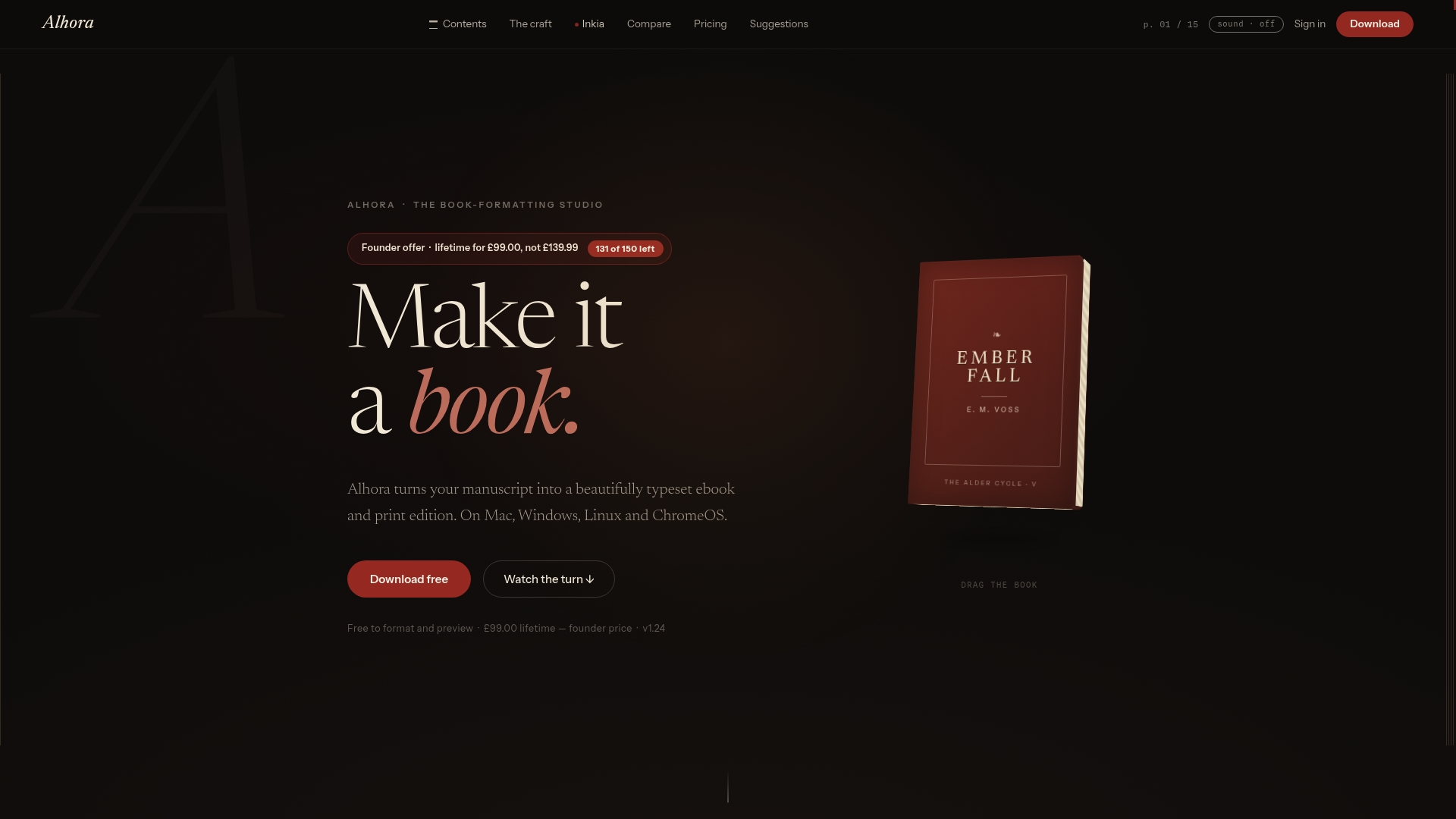
If you are starting from a Google Doc, the Google Docs import page shows how your manuscript comes in.
FAQ
Can you format a book on a Chromebook?
Yes. Browser-based tools like Reedsy Studio, Draft2Digital and Atticus run in Chrome without installing anything. You can also use a Linux-capable setup for desktop software. Choose based on whether you need offline use and what output you want.
What is the cheapest way to format a book on a Chromebook?
Reedsy Studio's core features and Draft2Digital are free, though Draft2Digital takes a 10% commission on sales through its platform. LibreOffice Writer is free too, but you do the layout yourself. Cheap on price is not always cheap on time, especially for a novel.
Does Kindle Create work on a Chromebook?
No. It is described as software for PC and Mac, so it does not install on ChromeOS. You can use a Windows or Mac computer for it, or choose a browser-based formatter instead.
Do I need internet access to format my book?
With browser-only tools, yes. Reedsy Studio, for example, does not currently support offline use. If you often work offline, pick a tool with a desktop version or keep local copies of every export.
How do I check my files before uploading to a store?
Validate the EPUB, open it in a reading app, and review the print PDF at full size for trim, bleed and gutter. Our Chromebook ebook formatting guide walks through the EPUB validation step.
Sources
- Best Novel Writing Apps for Chromebook (2026)
- Book Formatting Services Compared 2026
- How to Write a Novel on a Chromebook
- Top 10 eBook Creator Tools in 2026: Free and Paid
- LibreOffice 7.4 Getting Started Guide