
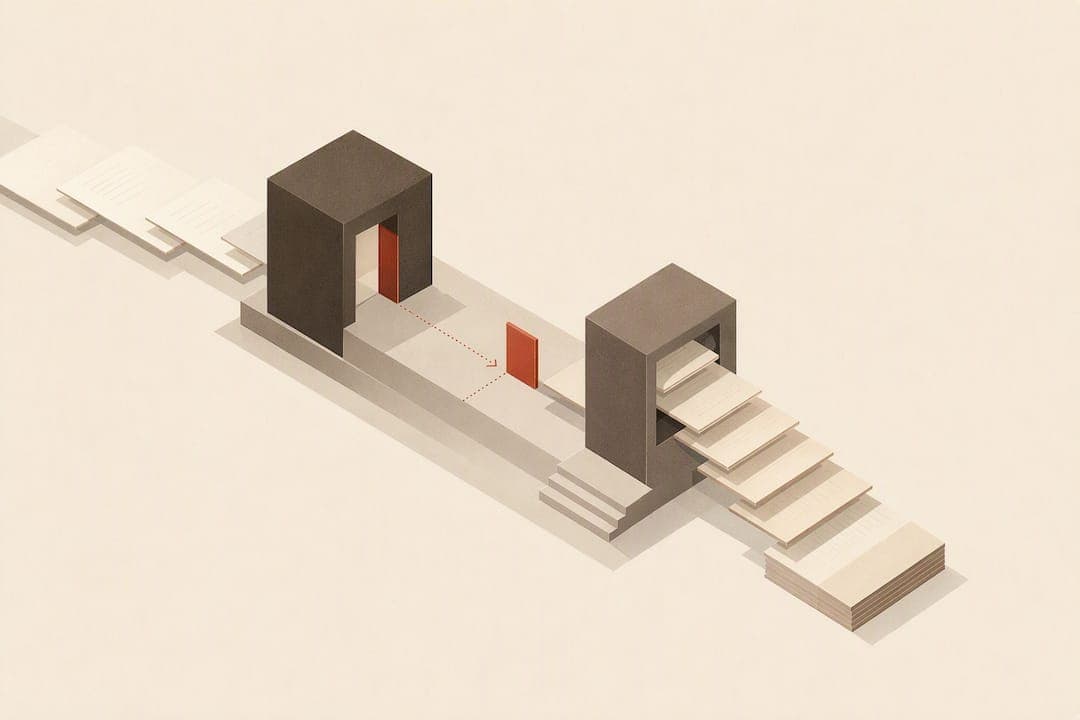
For a professional novel, number the front matter with lowercase Roman numerals or leave those pages unpaged, then start Arabic page 1 on the first page of the main text. Odd pages fall on the right (recto), chapter openers and title pages carry no visible folio, and ebook pagination follows a different, device-dependent system that doesn't map onto printed pages.
TL;DR:
- Proper pagination requires numbering front matter with lowercase Roman numerals and starting Arabic numerals at 1 on chapter one, avoiding re-numbering issues during editing.
- Ensuring odd-numbered pages appear on the right (recto) and inserting blank pages strategically helps maintain correct chapter opening placement and spreads.
- Page numbers should be placed away from the gutter and trim edge, with running heads positioned to avoid interference with the folio, especially on chapter openers.
- Using section breaks and verifying "Link to Previous" settings in Word or section settings in InDesign and LaTeX prevents incorrect page numbering jumps or repeats.
- Final checks must confirm that recto and verso pages align correctly, blank pages are truly blank, and folio placement remains consistent across the entire manuscript before export.
Table of Contents
- Front matter, blind folios, and the recto rule explained
- Where page numbers actually belong on the page
- Setting up page numbers correctly in Microsoft Word
- InDesign and LaTeX workflows for precise pagination
- How print platforms and ebooks treat page numbers differently
- Automating pagination checks with Alhora
- What actually matters when you're formatting your own novel
- Format your novel's pages without the manual checking
- Sources
- FAQ
Front matter, blind folios, and the recto rule explained
Every novel breaks down into three zones: front matter, main text, and back matter. Front matter covers the title page, copyright page, dedication, table of contents, and sometimes a foreword or epigraph. Main text is the story itself, chapter one through the final page. Back matter includes acknowledgments, an author's note, or a preview of the next book. Each zone gets treated differently on the page.
The Chicago Manual of Style recommends numbering front matter with lowercase Roman numerals (i, ii, iii) and restarting Arabic numbering at 1 when the main text begins. This isn't just a style preference. When a designer adds or cuts a page in the front matter late in production, a separate numbering sequence means the story's own pagination, and any index or cross-reference tied to it, stays untouched. Renumbering the whole book from page one every time the dedication gets a rewrite would be a production nightmare.
Blind folios solve a related problem. A blind folio is a page that counts in the sequence but shows no printed number. According to The Book Designer's guidance on book pagination, publishers commonly omit printed numbers on:
- Title pages and half-title pages
- Copyright pages
- Part title pages and chapter opening pages
- Full-page illustrations or blank pages inserted for layout
A blank page inserted to force the next chapter onto a recto page should stay truly blank, with no folio, no running head, and nothing that hints a page was skipped on purpose.
Recto and verso govern where things land. Per the MSU Libraries guide to book design basics, page 1 and every odd-numbered page sit on the right (recto); page 2 and every even-numbered page sit on the left (verso). New chapters and major sections conventionally open on a recto page. That's why some novels carry an occasional blank verso page right before a new chapter: the layout inserts it specifically to push the next opener onto the right-hand side. Checking spread proofs matters here. Miss one blank page and every chapter after it lands on the wrong side, a small error that a reader might not consciously name but will feel as something off about the book's rhythm.
Where page numbers actually belong on the page
Fiction has a strong default: page numbers sit either centered at the bottom of the page or in the outside bottom corner (left corner on verso, right corner on recto). Some novels place numbers in the outside top corner instead, paired with a running head, but bottom placement remains the more common choice for genre fiction.
A few placement rules keep the layout clean and print-safe:
- Keep numbers and running heads clear of the gutter, the inner margin where the book binds; a number set too close to the spine gets trimmed or swallowed in a tight binding.
- Leave enough margin between the folio and the trim edge so the number never sits flush against the paper's cut line.
- Use running heads (the author name, book title, or chapter title repeated at the top of pages) only in the main text, and keep them consistent with whichever page they sit on: verso often carries the book or author name, recto the chapter title.
- Never print a folio or running head on a part title page, a chapter opener, or a blank inserted page.
The two most common errors self-publishers make: setting the number so close to the spine that it disappears once the book is bound, and forgetting to suppress the folio on a chapter's first page, so "Chapter One" opens with a stray "17" sitting at the bottom.
Pro Tip: Print a physical proof before finalizing. Numbers that look fine on a screen sometimes sit uncomfortably close to the gutter once the pages are actually bound.

Setting up page numbers correctly in Microsoft Word
Word handles novel-length pagination well once you understand section breaks, but the tool punishes small mistakes with numbering that jumps or repeats.
- Insert a section break (Next Page) at the end of the front matter and again at the start of any back matter, so the document has at least three sections: front matter, main text, back matter.
- In each section's header or footer, click "Link to Previous" to turn it off; otherwise every section inherits the numbering style of the one before it.
- With the front matter section active, go to Insert, Page Number, Format Page Numbers, and set the number format to lowercase Roman numerals starting at i.
- Move into the main text section, repeat the same menu, set the format to Arabic numerals, and choose "Start at 1."
- On chapter opener pages and the title page, use "Different First Page" under Header and Footer Design, then leave that first-page header or footer blank to suppress the folio.
- Check every section break individually. The most common pitfall is a missing section break between front matter and chapter one, which forces the whole book onto one continuous Roman or Arabic sequence.
- If numbers still look wrong after these steps, open each header and footer in turn and confirm "Link to Previous" is off for that specific section, not just the one before it. Word applies this setting per section, and it's easy to fix one break and miss the next.
InDesign and LaTeX workflows for precise pagination
Adobe InDesign and LaTeX both give you far more control than Word, at the cost of a steeper learning curve.
In InDesign, build the document with sections through the Pages panel: right-click the first prelim page, choose "Numbering & Section Options," and set the numbering style to lowercase Roman. Add a new section at the first page of chapter one, set its style to Arabic, and check "Start Page Numbering at 1." Master pages carry automatic page number markers, so once folios are placed on the master, every page in that section updates automatically. Before export, check the Pages panel view in spreads to confirm chapter openers land on recto pages and that no folio marker appears on a page meant to stay blind. A frequent InDesign gotcha: an object on a document page can override the master's folio placement without warning, so a quick visual scan of the exported PDF catches problems the panel view misses — for helpful guidance, see One InDesign preset that stops yearbook reprints for advisers.
LaTeX's book class handles this natively. The \frontmatter command switches to Roman numerals automatically, and \mainmatter switches to Arabic and resets the counter to 1; you can also call \pagenumbering{roman} or \pagenumbering{arabic} directly for finer control. According to Overleaf's page numbering guide, \thispagestyle{empty} removes the folio and running head from a single page, the standard way to create a blind folio on a chapter opener or title page. Package interactions can undo this: some chapter-styling packages reset the page style on every new chapter, so a blind folio set with \thispagestyle{empty} needs to be reapplied after loading certain style packages.
Whichever tool you use, the final check is the same: open the exported PDF as spreads, confirm odd pages fall on the right, and look for stray blank pages or folios that shouldn't be there. Authors who prefer visual, code-free control over this process, without learning LaTeX markup or InDesign's panel system, often move to dedicated formatting software instead.

How print platforms and ebooks treat page numbers differently
Print-on-demand platforms expect the uploaded PDF to mirror the book's final printed order exactly. If your front matter is miscounted or a chapter opener lands on verso instead of recto in the file, that error prints exactly as uploaded. Getting the sequence right before upload matters more than catching it after, since re-pagination after a file is live can introduce new errors rather than fixing the old one.
Ebooks work on an entirely different system. Reflowable formats like EPUB and Kindle's own format don't preserve fixed page numbers, because the same file reflows differently depending on font size, screen size, and reader settings. Per the Wikipedia entry on page numbering, Kindle and similar platforms use location numbers rather than fixed folios, and some editions map those locations back to an equivalent print page for citation purposes. That means the "page 42" a reader sees on their Kindle rarely lines up with page 42 of the paperback.
A recto/verso alignment error is one of the most common print production mistakes: according to the MSU Libraries design guide, a single missing blank page can push every subsequent chapter opener onto the wrong side of the spread, which is why checking spreads before final export matters.
Before uploading anywhere, run through a short checklist:
- Confirm odd-numbered pages fall on recto and even on verso throughout.
- Check that inserted blank pages are actually blank, no folio, no running head.
- Verify running heads switch correctly between verso and recto content.
- Look at a proof or spread view to catch anything the page-by-page view hides.
Automating pagination checks with Alhora
Getting recto and verso alignment right by hand across a 300-page novel means checking dozens of individual pages. Some software solutions automate that check instead of leaving it to a final manual pass.
A typical workflow inside Alhora looks like this:
- Import the manuscript and let Alhora tag front matter, main text, and back matter automatically.
- Set the front matter to Roman numerals (or unpaged) and confirm the main text restarts at Arabic 1.
- Mark which pages, chapter openers, part titles, the title page, should carry blind folios.
- Run Alhora's pagination validator, which checks recto and verso alignment against the tagged structure in real time.
- Export a print-ready PDF and a separate EPUB, each formatted for its own platform's pagination rules.
The real-time validation matters most when front matter changes late, a new dedication line, an added acknowledgments page, since a manual workflow means re-checking every section break by hand. Some typesetting engines can re-run the recto/verso and folio checks automatically whenever the manuscript structure changes, so a late edit doesn't quietly push a chapter opener onto the wrong side of the spread. The same validation applies across every export target, so the print PDF and the EPUB stay consistent with each other even though their pagination systems work differently under the hood.
For authors organizing a series or a multi-book set, the same structure tagging carries over between manuscripts, which keeps front matter and chapter numbering consistent across books without rebuilding the setup each time.
What actually matters when you're formatting your own novel
Most pagination mistakes come from skipping one of five checks: Roman numerals (or none) on front matter, Arabic 1 on the first page of chapter one, no visible folio on chapter openers or the title page, numbers placed away from the gutter, and a final spread check for recto/verso alignment.
- Default to lowercase Roman numerals for front matter and Arabic starting at 1 for the story.
- Default to outside bottom or centered bottom placement for the folio in genre fiction.
- Suppress folios on every display page: title, half-title, part titles, chapter openers.
Pro Tip: If your book has a straightforward structure, one part, sequential chapters, no inserts, you can format pagination yourself with the steps above. Complex layouts, multiple parts, inserted images, or a hybrid print-and-ebook release usually justify hiring a formatter or using dedicated software.
Format your novel's pages without the manual checking
Some book formatting software handles the recto/verso and blind-folio work automatically, so you're not opening every spread to check whether chapter three landed on the right side of the book. The typesetting engine applies front-matter and main-text numbering as you tag your manuscript's structure, then validates the result against standard publishing conventions before you export.
That validation runs the same way whether you're exporting a print-ready PDF for a platform like Amazon KDP or IngramSpark, or a separate EPUB for ebook stores. If you want to see how the formatting engine handles a full manuscript, start with Alhora's book formatting software and run your own file through it.
Sources
- Chicago Manual of Style — FAQ: front-matter numbering
- Elements of page design - Publishing and Book Design Basics (MSU Libraries)
- Self-Publishing Basics: Book pagination for fun and profit (The Book Designer)
- Overleaf — Page numbering
- Page numbering — Wikipedia
FAQ
What are the rules for numbering pages in a book?
Front matter typically gets lowercase Roman numerals or stays unpaged, while the main text starts at Arabic page 1 on chapter one's first page. Odd-numbered pages fall on the right (recto) and even-numbered pages on the left (verso), per the MSU Libraries design guide, and display pages like title pages and chapter openers usually carry no visible number.
What is the 50 page rule?
There's no standard publishing convention called the "50 page rule" documented in style guides like the Chicago Manual of Style or major library design guides. If you've seen the term used informally, it likely refers to a personal reading habit rather than a formatting or pagination standard.
What is a 70 page book called?
There isn't an official term tied to a specific 70-page threshold in standard publishing style guides. Book length categories (novella, novel, short story collection) are typically defined by word count rather than a fixed page number, and page count varies with trim size and font.
What are the rules for page numbering?
Number front matter with lowercase Roman numerals or leave it unpaged, then restart at Arabic 1 for the main text, a convention detailed in the Chicago Manual of Style's FAQ. Odd pages sit on the right (recto), chapters typically open on recto pages, and display pages like title pages and chapter openers stay unnumbered with a blind folio.
— James